A gate access control system lets a site control who enters and when. This guide explains core parts, common technologies, and typical uses. It shows how a gate access control system improves safety, simplifies access, and reduces unauthorized entry. The guide stays practical and clear. It avoids fluff and gives direct steps for choice, install, and upkeep.
Key Takeaways
- A gate access control system enhances site security by controlling who enters, when, and through which gates, using hardware like card readers and electric locks paired with management software.
- Common technologies include RFID cards, PIN keypads, mobile apps via Bluetooth or NFC, and biometric readers, all integrated with central controllers for event logging and rule enforcement.
- Different site types benefit uniquely: residential systems reduce unwanted visitors, commercial systems manage employee access with audit trails, and industrial systems prevent unauthorized equipment operation.
- Installation requires careful selection based on user needs, network design, and site constraints, with thorough testing of scenarios like tailgating, emergencies, and network outages.
- Regular maintenance, including firmware updates, battery checks, audits, and log reviews, is essential to ensure system reliability and reduce security risks.
- Choosing a scalable or cloud-based system balances upfront costs with long-term operational savings, while strong credential policies and staff training further strengthen site protection.
How Gate Access Control Systems Work: Components And Common Technologies
A gate access control system has hardware, software, and rules. The hardware includes gates, card readers, keypads, intercoms, and electric locks. The software logs events, enforces rules, and manages users. The rules assign who may enter, when they may enter, and which gates they may use.
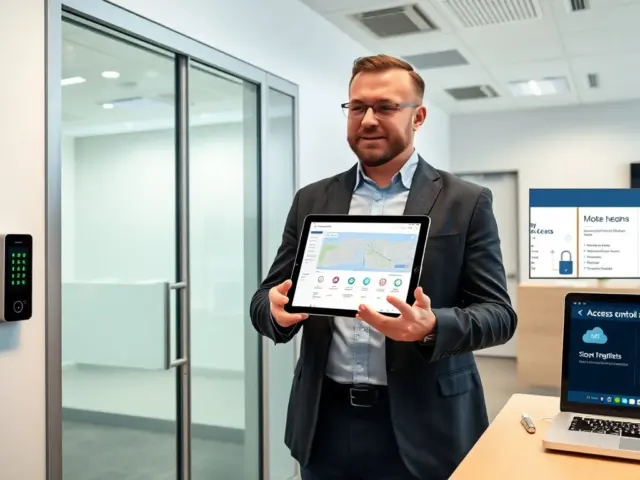
Card readers use RFID or proximity cards. Keypads require a PIN. Mobile apps provide credentialing through Bluetooth or NFC. Biometric readers match a fingerprint or facial pattern. Cameras record visitors and add live verification.
Many systems use a central controller. The controller accepts input from readers and sends signals to locks and gates. The controller also records who accessed which gate and at what time. The controller can run local rules when network links fail. A cloud-hosted management platform stores logs, pushes updates, and allows remote changes.
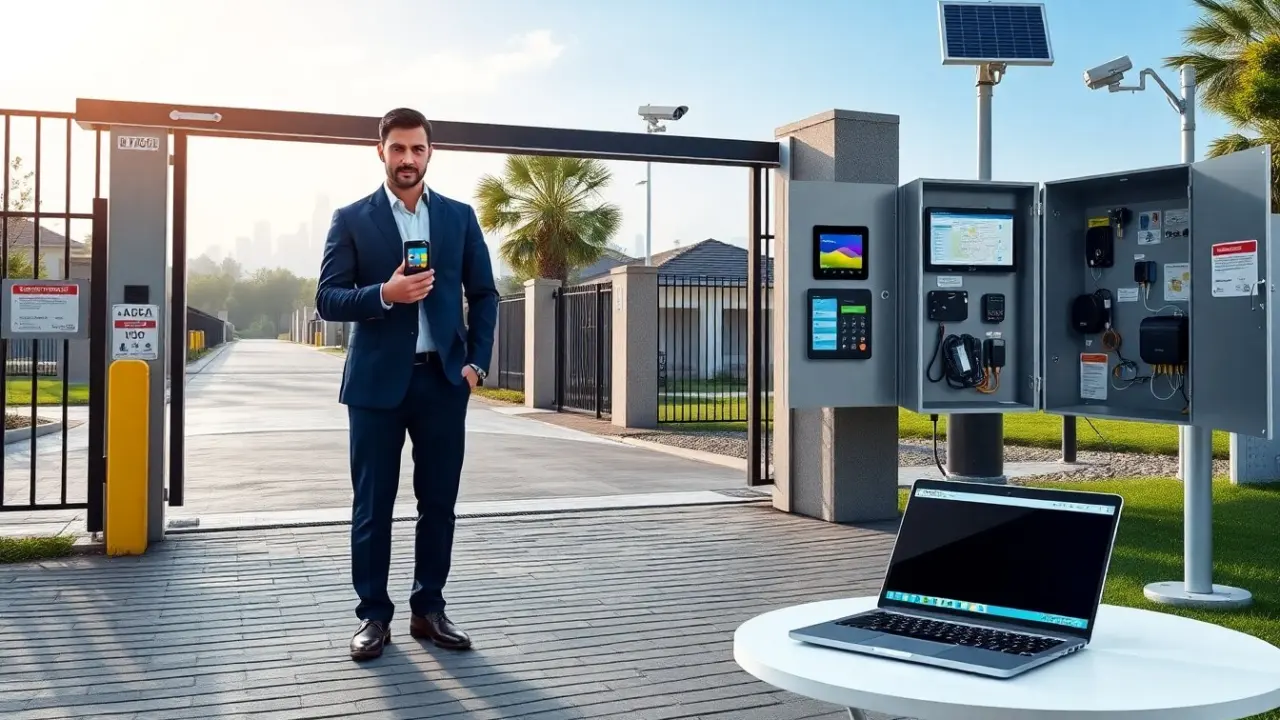
Wiring choices affect installation. Hardwired readers give constant power and steady communication. Wireless readers reduce trenching and speed deployment. Solar power can run remote gates where no grid power exists. Backup batteries keep gates working during outages.
Network protocols matter. Many systems use TCP/IP for full feature sets. Some low-power devices use MQTT or other lightweight protocols. Encryption protects credentials in transit. Two-factor setups combine something the user has (card or phone) with something the user knows (PIN) or something the user is (biometric). This approach lowers the risk of cloned credentials.
A simple site may use one gate, one reader, and local logging. A campus may use many gates, synchronized time rules, and integration with parking systems. Integration points include video management systems, visitor management, and building automation. These links let security staff see video tied to an access event and lock doors centrally when needed.
Maintenance tasks include cleaning readers, testing batteries, and updating firmware. Regular audits remove old credentials and check logs for anomalies. A clear naming and zone scheme helps operators react quickly when an alarm triggers.
Key Use Cases And Benefits For Residential, Commercial, And Industrial Sites
A gate access control system meets different needs for homes, offices, and plants. In gated housing, the system reduces tailgating and limits visitor access. In commercial sites, the system controls employee and vendor entry and ties access to payroll and shifts. In industrial sites, the system protects equipment and controls hazardous area access.
Residential benefits start with fewer unwanted visitors. Residents use codes, fobs, or mobile keys. Managers issue temporary codes for guests and contractors. A log lets managers check who entered on which day.
Commercial sites gain audit trails and time-based permissions. Employers limit access to certain floors or rooms. The system can enforce shift limits so cleaners enter only at scheduled times. The system can require an escort for high-risk deliveries.
Industrial sites require tighter control. Access limits prevent unauthorized operation of heavy machinery. The system can lock gates during maintenance windows. It can also send instant alerts if a safety gate opens outside approved hours.
All site types gain safety and efficiency. The system reduces the need for staffed gates. It speeds entry for authorized users and keeps a clear incident record. Remote management lets staff grant access without travel.
Cost benefits vary. A basic system costs less to buy and run. A scalable system costs more upfront and lowers labor expenses over time. A cloud-based system reduces on-site server costs. An on-premises system gives full data control and avoids subscription fees.
Security benefits depend on correct configuration. Strong credential policies and routine audits reduce risk. Regular patching and network segmentation keep the system from becoming a weak point in site security. Training staff on response procedures improves incident outcomes.
Choosing And Deploying The Right System: Selection Criteria, Installation, And Maintenance
Selection starts with a use-case list. The list shows expected users, peak throughput, and integration needs. The list also notes budget and site power constraints. The chosen gate access control system must meet those needs.
Key selection criteria include credential type, number of users, network design, and integration. The buyer should check vendor support and firmware update policies. The buyer should also verify case studies from similar sites.
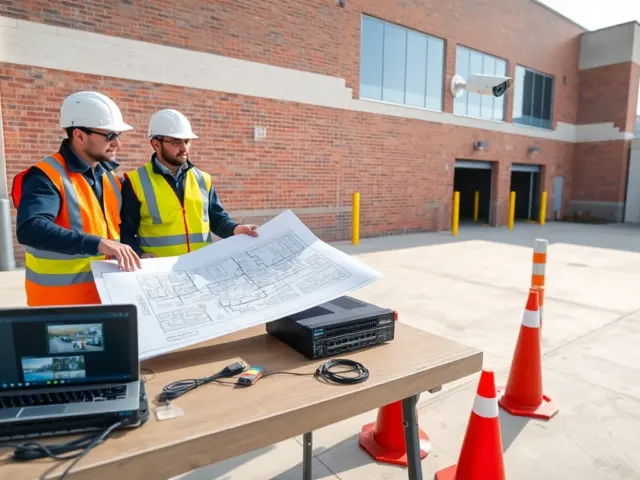
During installation, the team should verify gate foundation and swing clearance. The team should test reader range and angle. The team should confirm that backup power works and that fail-safe and fail-secure lock modes match site policy.
Installers should follow a documented naming standard for readers and zones. Clear names reduce operator error. Installers should map user roles to access groups before bulk upload.
Testing must cover normal and exception cases. The team should test first-entry, tailgate attempts, lost-credential workflows, and emergency egress. The team should simulate a network outage and validate local controller behavior.
Maintenance tasks include firmware updates, battery replacement, and log review. The operator should run quarterly audits to remove inactive credentials. The operator should keep a maintenance log for gates, locks, and readers.
A support plan speeds recovery. The plan should define on-call contacts, spare parts, and escalation steps. The plan should include a timeline for critical repairs.
When upgrading, the operator should confirm backward compatibility. The operator should stage changes in a test environment when possible. The operator should schedule upgrades during low-traffic windows to minimize disruption.