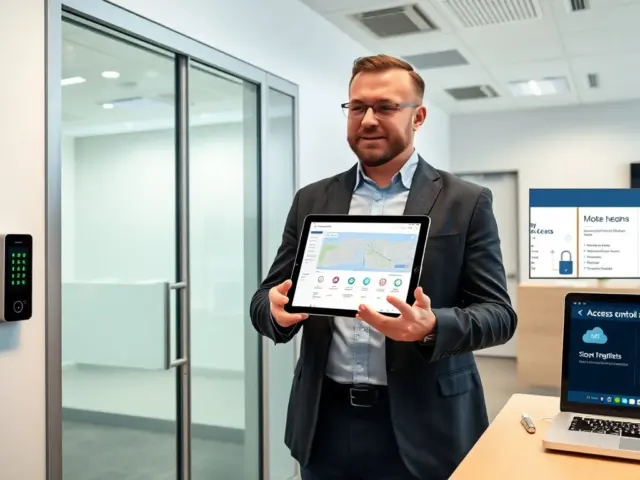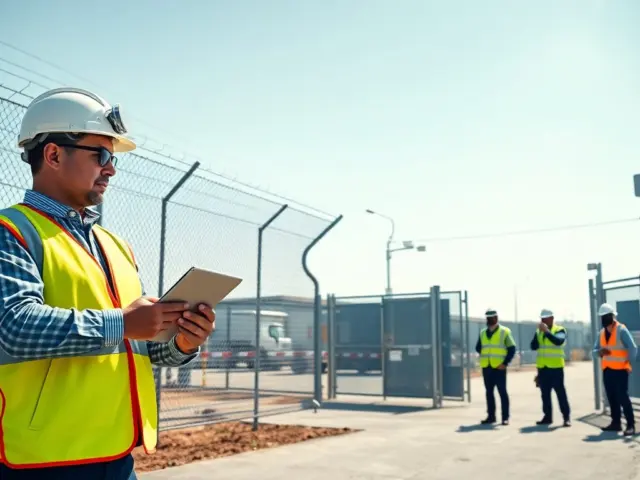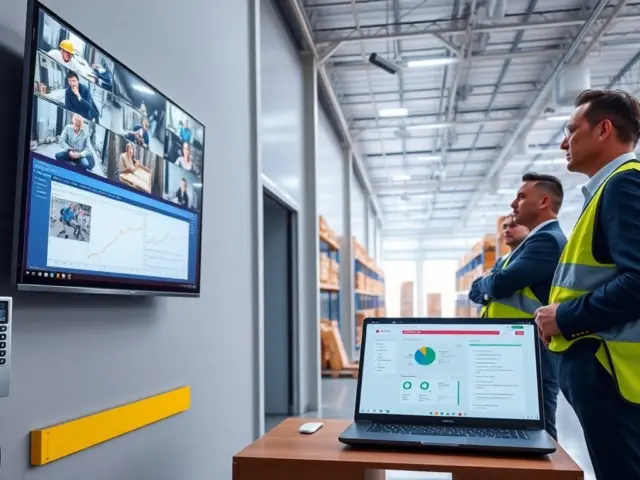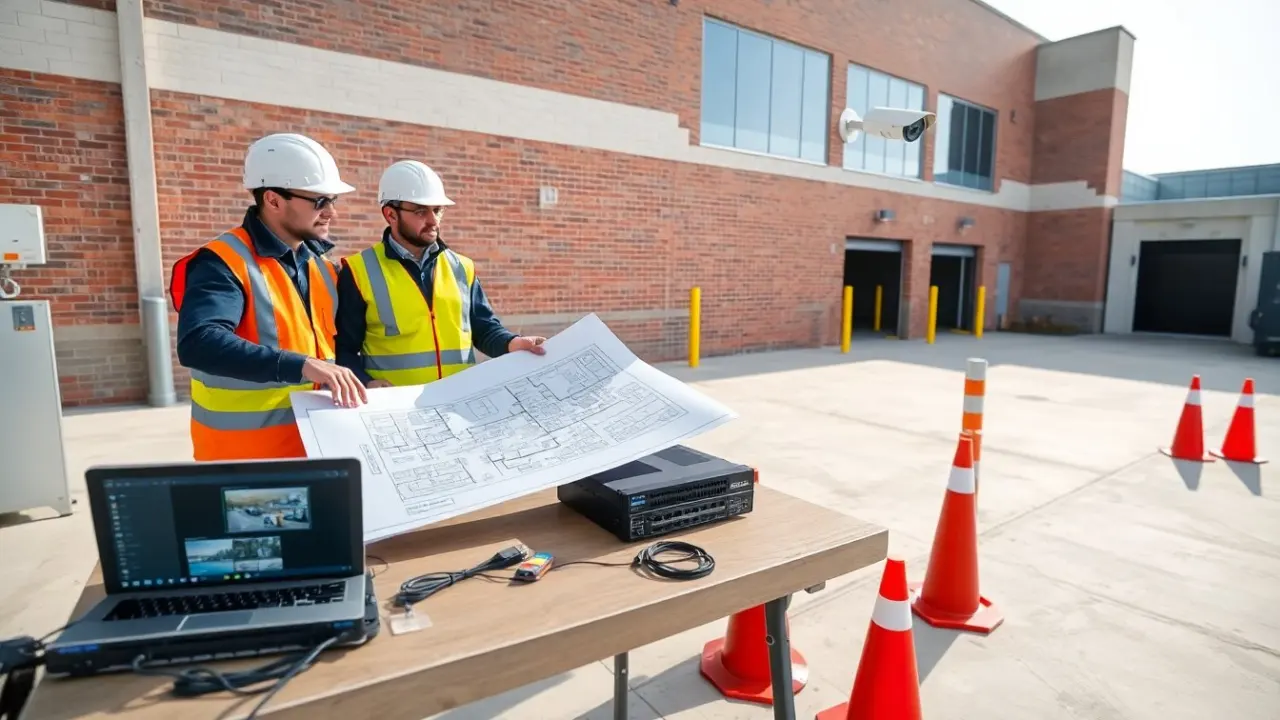
Commercial security camera installation must start with clear goals and a simple plan. A business owner should name risks, list entry points, and set monitoring needs. The installer should note hours of operation, remote access needs, and budget limits. This short plan guides camera choice, placement, wiring, and testing. It reduces surprises and speeds the installation process.
Key Takeaways
- Successful commercial security camera installation starts with clear goals and a risk assessment to guide system design and placement.
- Choosing the right camera types—dome, bullet, PTZ, and thermal—depends on specific site needs such as indoor coverage, perimeter monitoring, or low-light conditions.
- Prioritize high resolution, low-light performance, and advanced analytics to ensure effective identification and reduce false alerts.
- Proper camera placement with overlapping fields of view and avoidance of blind spots maximizes coverage and minimizes the need for extra cameras.
- Use PoE wiring for efficient power and data delivery, but consider hybrid or Wi-Fi setups based on site constraints and reliability needs.
- Follow a detailed installation checklist including testing, documentation, and staff training to ensure smooth operation and quick response when incidents occur.
Assessing Your Property, Risks, And Surveillance Goals
A team should inspect the property and map the site before commercial security camera installation. The team should mark entrances, loading docks, parking areas, and high-value zones. They should list likely threats such as theft, vandalism, and unauthorized access. The team should set objectives like deterrence, evidence capture, or live monitoring. They should decide who will view footage and where it will be stored. They should set retention time for recordings that matches local regulation. The team should calculate a target budget for cameras, storage, and labor. Clear goals let them size the system and choose features with purpose.
Choosing Camera Types And Sizing Your System
They should match camera types and counts to the plan before commercial security camera installation. They should count doors, aisles, and outdoor zones to estimate camera quantity. They should select cameras with power and network compatibility that fit the site. They should estimate storage based on resolution, frame rate, and retention period. They should balance higher resolution with storage cost and bandwidth. They should allow spare channels for growth. They should price cameras, recorders, and cabling together to avoid surprises. They should pick a system that stays functional under expected weather and light conditions.
Camera Types: Dome, Bullet, PTZ, And Thermal — When To Use Each
Dome cameras suit indoor ceilings and areas where attackers might tamper with cameras. Bullet cameras suit long outdoor sightlines and deterrence. PTZ cameras suit large open areas that need active tracking and high coverage with fewer units. Thermal cameras suit dark outdoor zones and perimeter detection where visible detail is less important. They should use dome cameras for retail aisles, bullet cameras for lot surveillance, PTZ for yards and yards that host moving vehicles, and thermal for fence lines and large perimeters. Each type serves a clear role in commercial security camera installation.
Key Features To Prioritize: Resolution, Low Light, Analytics, And Storage
They should prioritize resolution to match identification needs. They should pick at least 1080p for entryways and 4K for wide outdoor facades. They should verify low-light or infrared performance for night coverage. They should enable motion detection and simple analytics like line crossing and object left behind. They should check that analytics run on the camera or the recorder to save bandwidth. They should size storage to hold footage for the set retention period. They should prefer cameras with firmware updates and proven vendor support.
Placement And Coverage Planning: Fields Of View, Overlap, And Blind Spots
They should plan fields of view before any drilling. They should map camera sightlines on scaled floor plans. They should place cameras to capture faces at entry height, not only doors. They should allow 10–30 percent overlap between adjacent cameras to avoid gaps. They should avoid pointing cameras directly at reflective glass or bright lights. They should check for new blind spots after fixtures, signage, or seasonal changes. They should test each proposed view with a phone camera to confirm coverage. Good placement reduces the need for extra cameras after commercial security camera installation.
Wiring, Power, And Network Options: PoE, Wi‑Fi, And Hybrid Setups
They should pick a power plan that fits distance and reliability needs. PoE simplifies installs by carrying power and data on one cable. PoE suits high-bandwidth cameras and long runs up to 100 meters per switch. Wi‑Fi suits temporary installs and places where cabling is very costly. Wi‑Fi needs strong signal and careful channel planning. Hybrid setups mix PoE for core cameras and Wi‑Fi for secondary units. They should plan network switches, VLANs, and firewall rules to isolate camera traffic. They should provision enough uplink bandwidth for remote viewing and concurrent streams. They should include UPS backup for critical recorders and network gear.
Installation Steps, Testing, And Practical Best Practices
They should follow a step-by-step checklist during commercial security camera installation. Step 1: confirm plan and obtain permits when required. Step 2: mount cameras at planned heights and secure housings. Step 3: run cabling and label both ends. Step 4: connect to PoE switches or power supplies and to recorders or NVRs. Step 5: set camera settings for exposure, white balance, and frame rate. Step 6: configure motion zones and analytics sensitivity to cut false alerts. Step 7: test live view, playback, and remote access from mobile and desktop. They should document camera locations, network IPs, and admin credentials in a secure file. They should schedule an annual check for firmware, lens cleaning, and angle adjustments. They should train staff on basic playback and evidence export so they act fast when an incident happens.