A key card entry system gives controlled access to buildings. The system reads credentials, verifies permissions, and unlocks doors. Facilities use the system to log entries and reduce unauthorized access. This article explains how a key card entry system works, its benefits and limits, and how to choose and maintain one.
Key Takeaways
- A key card entry system enhances building security by controlling access through credential verification and logging entry events.
- The system components include credentials, readers, and controllers that work together using encrypted communication to grant or deny access.
- Key card systems offer convenience by reducing key management and enabling scalable, timed, and role-based access control.
- Planning for maintenance and failure modes—like lost cards or power outages—is essential to ensure system reliability.
- Selecting a system requires evaluating door counts, credential types, encryption standards, integration capability, and ongoing support costs.
- Starting with a pilot installation helps validate processes and ensures smooth full deployment of the key card entry system.
How Key Card Entry Systems Work: Components, Communication, And Access Control Logic
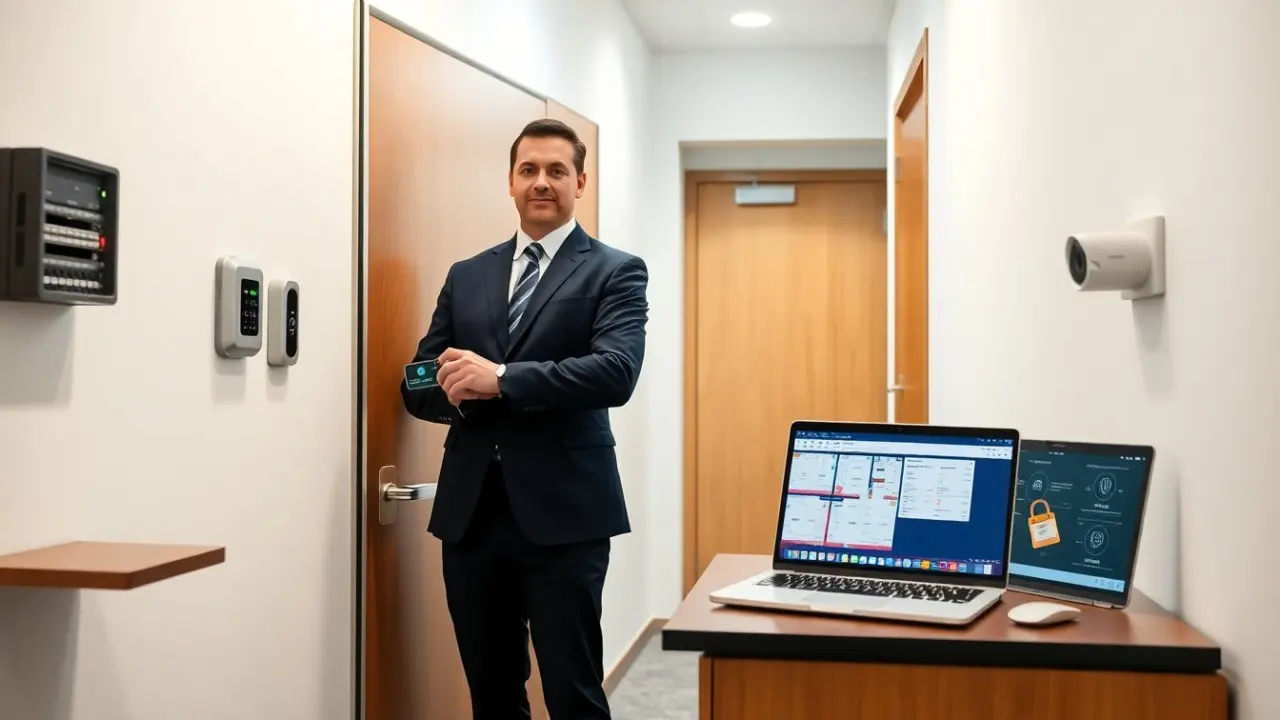
A key card entry system uses three main parts: a credential, a reader, and a controller. The credential carries an identifier. The reader reads the identifier. The controller checks the identifier against a database and grants or denies access.
Components
The credential can be a plastic card, a fob, or a smartphone credential. The reader can use magnetic stripe, proximity (RFID), or NFC. The controller can be local hardware or a cloud service. The physical lock can be an electric strike or a magnetic lock.
Communication
The reader sends the credential data to the controller. The controller sends a decision back to the reader. The controller logs the event. Systems use wired connections like Wiegand or TCP/IP. They also use wireless links for remote devices.
Access control logic
The controller stores rules and schedules. The controller matches the identifier to a user profile. The profile lists access levels and allowed times. The controller checks the time and the user role. The controller sends a signal to unlock the door if the checks pass.
Authentication and encryption
A modern key card entry system uses encrypted credentials and secure channels. The system uses symmetric or asymmetric keys to prevent replay attacks. The system rotates or updates keys when possible. The system supports multi-factor setups when operators pair a card with a PIN or biometric input.
Event logging and integration
A key card entry system logs each read, grant, and deny. Administrators export logs for audits. The system integrates with cameras, alarm panels, and building management software. Integrations let the system trigger alarms or record video when a user attempts access.
Benefits And Limitations: Security, Convenience, Costs, And Common Failure Modes
A key card entry system improves security and simplifies access. The system replaces mechanical keys and reduces lock changes. The system tracks who entered and when. The system supports temporary credentials for contractors and visitors.
Security benefits
The system centralizes control and logging. The system limits access by role and time. The system revokes lost credentials quickly. The system can require two factors for sensitive areas.
Convenience and operations
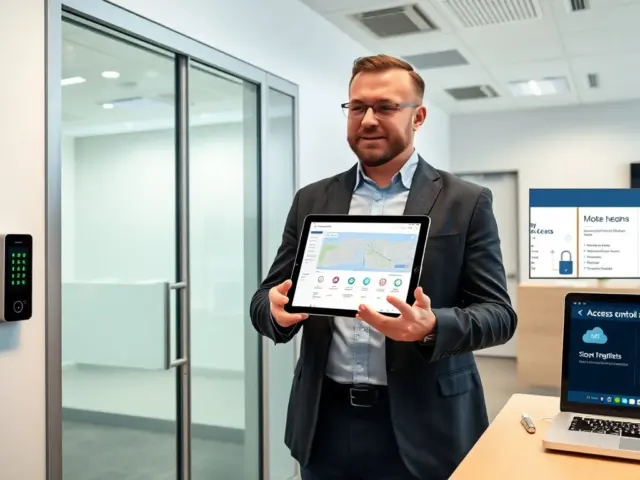
The system reduces key management work. The system speeds entry for authorized users. The system issues digital credentials to phones. The system scales for many doors and users.
Costs and budget
A basic key card entry system costs less upfront than high-end biometrics. The system costs include readers, controllers, credentials, and installation. The system also needs software licensing for cloud services. The facility should budget for replacements and ongoing support.
Common failure modes
Cards can be lost or damaged. Readers can fail from wear or interference. Power loss can disable electronic locks. The controller can lose network connectivity. The system can suffer from weak encryption or default credentials. The facility should plan for these failures with backup power, spare readers, and periodic audits.
Risk mitigation
The system logs failed attempts and alarms. The facility should enforce strong credential policies. The facility should update firmware and change default passwords. The facility should test backup power and offline modes.
Choosing, Installing, And Maintaining A Key Card System: Best Practices And Checklist
An organization should match needs to features when it selects a key card entry system. The organization should list doors, users, and integration points. The organization should decide on local or cloud control and on credential type.
Selection checklist
- Identify the number of doors and readers required.
- Define user groups and access schedules.
- Choose credential technology (magstripe, RFID, NFC, or mobile).
- Confirm encryption standards and vendor security practices.
- Verify integration options for cameras and alarms.
- Budget for installation, software, and annual support.
Installation tips
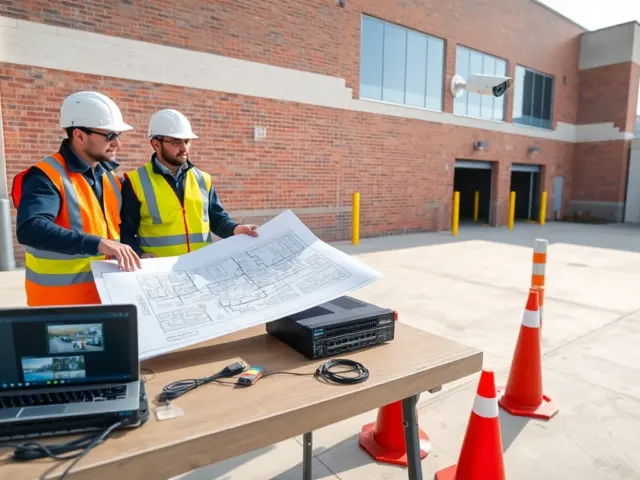
The installer should test power and network at each door. The installer should mount readers at the correct height and protect them from weather. The installer should wire locks and tamper sensors. The installer should configure time synchronization and logging. The installer should enroll a test set of credentials and verify access rules.
Maintenance tasks
Administrators should perform these tasks on a schedule:
- Update firmware and software monthly or per vendor guidance.
- Audit access logs quarterly.
- Replace worn cards and readers as needed.
- Test backup power every six months.
- Review user accounts and remove inactive profiles monthly.
Onboarding and training
The organization should train staff on issuing and revoking credentials. The organization should document incident response steps for a lost credential or breach. The organization should instruct staff to report reader faults immediately.
Choosing a vendor
The facility should compare warranty terms and support SLAs. The facility should check references and case studies from similar facilities. The facility should prefer vendors that publish security practices and provide clear firmware update plans.
Final pragmatic advice
The organization should start with a pilot on a few doors. The pilot lets the team validate workflows and find issues before a full rollout. The organization should plan for spare parts and a clear support contract to keep the system reliable.